AI Tool Security
AI Tool Security
Your team is using AI tools. Do you know what they’re sharing?
Here’s a pattern we see constantly: someone pastes a database schema into ChatGPT to help write a query. Or drops a config file into Claude to help debug an issue. Or uses Cursor with an MCP server that has AWS credentials sitting in a plaintext config file.
None of this is malicious. It’s just how people work now. But it creates real security exposures that most traditional tools completely miss.
The MCP problem
Model Context Protocol (MCP) is becoming the standard way AI tools connect to external services. That’s great for productivity. The problem? The official setup documentation tells people to put API keys and credentials directly in plaintext config files.
These files sit in known locations on developer machines. If that machine gets compromised — even briefly — those credentials are trivially extractable.
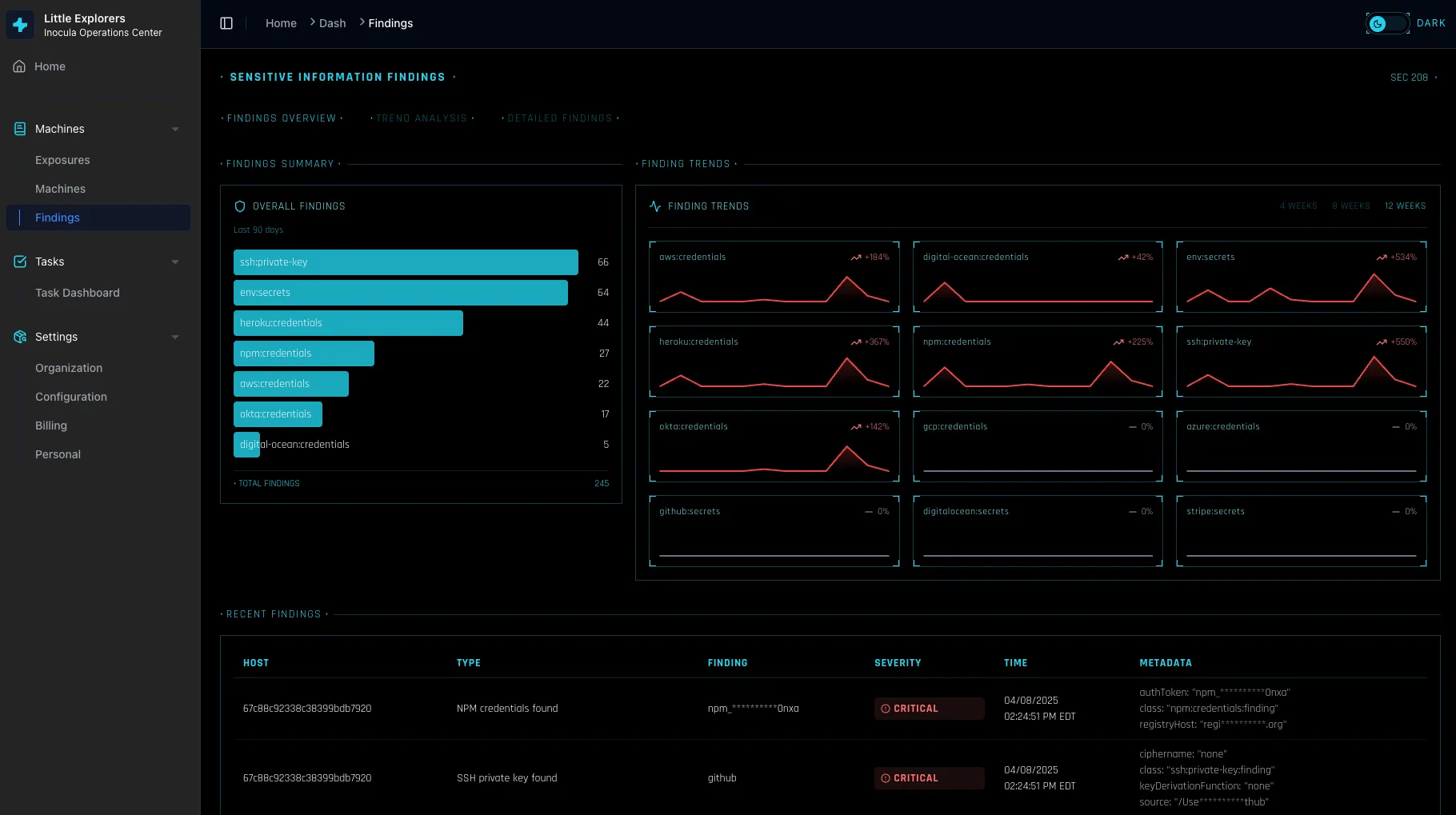
NovaCove scans for MCP configuration files and flags credentials that shouldn’t be there. We’ll show you exactly which developers have exposed secrets, what services are affected, and how to fix it.
What data flows where
AI tools are getting access to more and more of your codebase and internal data. We help you understand:
- Which AI services have been granted access to your repositories
- What OAuth permissions have been granted to AI-powered apps
- Which team members are using which AI tools
This isn’t about blocking AI usage — that ship has sailed. It’s about understanding what’s happening so you can make informed decisions about acceptable risk.
Sensitive data detection
We scan for patterns that suggest sensitive data is being shared with AI services:
- API keys and secrets in prompts
- Customer data in context windows
- Financial information in code comments
- PII in debugging sessions
When we find something concerning, we flag it with context about why it matters and what you might want to do about it.
What we don’t do
We’re not trying to be the AI usage police. We don’t block AI tools or prevent your team from being productive. We give you visibility into what’s happening so you can set reasonable policies based on your actual risk tolerance.
We also don’t pretend to catch everything. AI tool usage is evolving fast, and new patterns emerge constantly. We focus on the highest-risk scenarios first and expand coverage as the landscape evolves.
Getting started
Connect your device management and we’ll start scanning for AI tool configurations immediately. Most issues can be found within the first hour — and many can be fixed with a single click.
Stop losing deals to a checkbox
Turn on NovaCove and your prospects get a live, queryable view of your security. Real controls. Evidence that maps to SOC 2 when you're ready. No audit required to close the deal.